The Packed-Page Myth: More Entries Do Not Make a Better Plan
A less crowded weekly plan makes priorities easier to see, distinguish firm commitments from loose tasks and handle changes without rewriting the page.
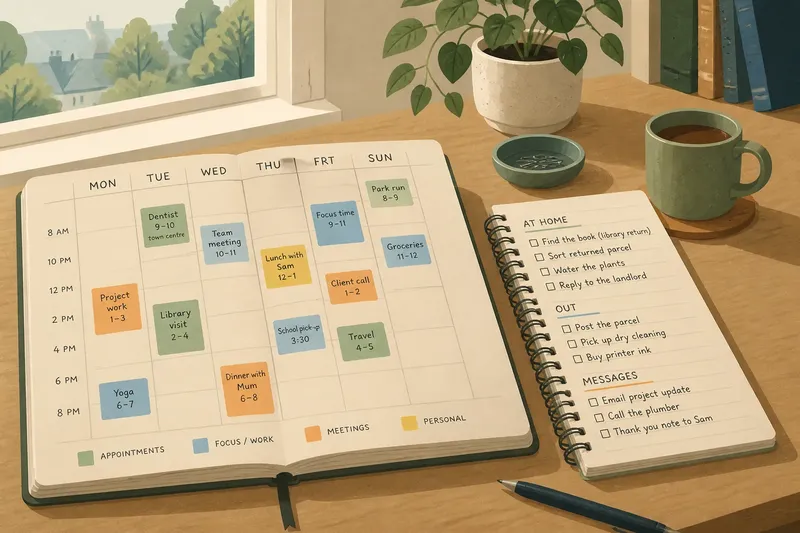
On Monday morning, a paper calendar can look reassuringly busy: coloured blocks, errands in the margins, a note squeezed beside lunch. Yet a packed weekly plan can hide the very things it is meant to clarify. When every entry shouts, it becomes harder to tell what deserves attention first.
Make the page readable
Stand back and scan the week rather than reading each entry in turn. The most important commitment should catch your eye without a search; if every note competes for notice, the page is recording activity but not helping you choose.
Visual clutter often comes from treating different kinds of information alike. A deadline, a reminder to buy printer paper and a passing idea do not need the same lettering, colour or place on the page.
Build a visual hierarchy
Give the week’s defining commitments more space or a clear, consistent mark. Keep small reminders in the margin or a nearby list, where they remain visible without crowding the calendar itself.
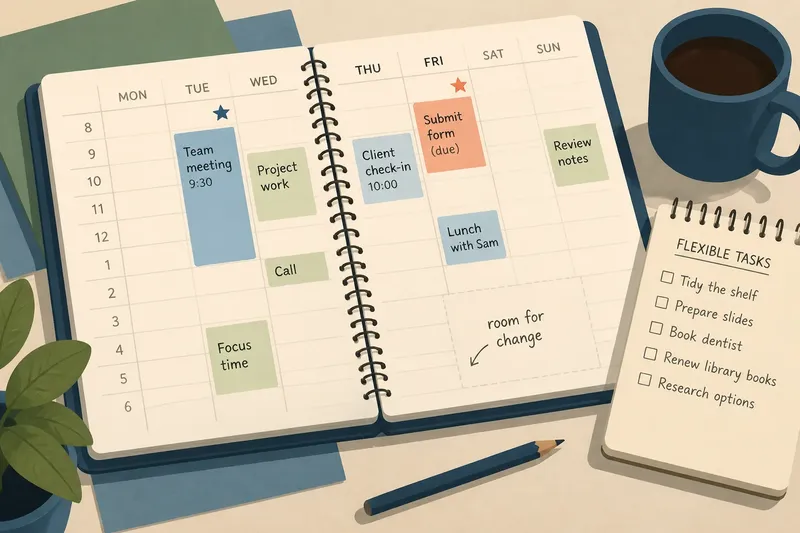
A restrained code is easier to read than a rainbow of categories. You might use one colour for appointments and a small star for the task that needs focused attention; if you need a key to decode every mark, simplify it.
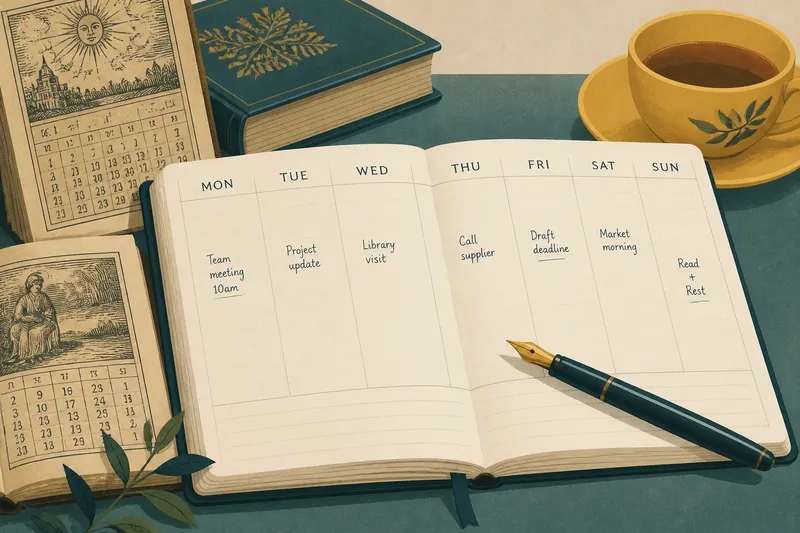
Leave some paper untouched. An open square gives you room to record a change without squeezing words between existing notes. It works like an empty tray on a desk: a useful place for something that arrives later.
Sort entries by purpose
Some notes tell you where to be at a particular time; others are simply things to remember or complete. Use the calendar for appointments and time-bound commitments, and place movable tasks in a short list beside it. That way, a loose intention does not look as fixed as a meeting.
For each entry, ask what it is doing on the page: reserving time, signalling a deadline, or keeping an idea from being forgotten. Give it only the visual weight needed for that purpose. A task that has been copied into several days may need a decision about its next action, not another box.
Choose what stays visible
- Check whether an appointment has a set time; if it does, give it a clear calendar slot, and if it does not, move it to the flexible list.
- Check whether a task has a real deadline; if it does, mark the due day plainly, and if it does not, keep it off the time grid until a suitable opening appears.
- Check whether two entries use competing colours; if they do, reserve colour for the more important distinction, and if they do not, keep the simple code unchanged.
- Check whether handwriting is cramped; if it is, shorten the note or move its details to a list, and if it is not, leave the entry where it is.
- Check whether a task has been copied across several days; if it has, decide its next concrete action or remove it from the calendar, and if it has not, let it remain in its current place.
- Check whether the week has any clear space for a change; if it does not, move a flexible task out of a fixed slot, and if it does, preserve that open area.
When does a packed weekly plan mislead?
Should every task go on the calendar?
No. Reserve calendar space for commitments tied to a time or day, and keep movable tasks in a nearby list. The page then shows which parts of the week are genuinely spoken for.
How can I show priorities without clutter?
Choose one or two visual signals, such as a single colour for appointments and a star for a priority task. If a mark needs a lengthy explanation, use fewer distinctions.
What should I do with a task that keeps moving?
Decide whether it still matters and identify its next action. If it has no deadline or suitable day, keep it on a separate list rather than copying it into another calendar square.
How much open space should remain?
There is no universal amount. Leave enough room that a change can be written legibly and the week’s main commitments remain easy to pick out.
Try a page edit
Say you have a Tuesday appointment, a form due later in the week and a shelf to tidy. Put the appointment in its time slot, write the form’s due day clearly, and place the shelf task in the adjacent list because it can move.
Now imagine Tuesday becomes crowded. The appointment stays put, while the shelf task remains available for another opening; the form stays visible against its deadline. The resulting page makes the trade-off plain without pretending every item has the same claim on your time.
Review the visual load
At the start of the week, look for cramped notes, repeated tasks and highlights that compete with one another. Remove entries that no longer matter, shift flexible tasks out of the calendar grid and make the week’s defining commitment easier to spot.
A useful packed-page myth to remember is that more writing does not automatically mean more control. Keep the entries that help you make a decision, and let the rest live somewhere less prominent; the page will be easier to read when the week changes shape.